
Accessibility
Access for
every movement.
Corevia aims to provide a clear, usable and considered online experience for people with different abilities, devices and ways of navigating the web. We continue to review our digital experience and look for practical ways to reduce barriers.
If something on corevia.lat is difficult to access, read, navigate or understand, contact Corevia and tell us what you were trying to do.
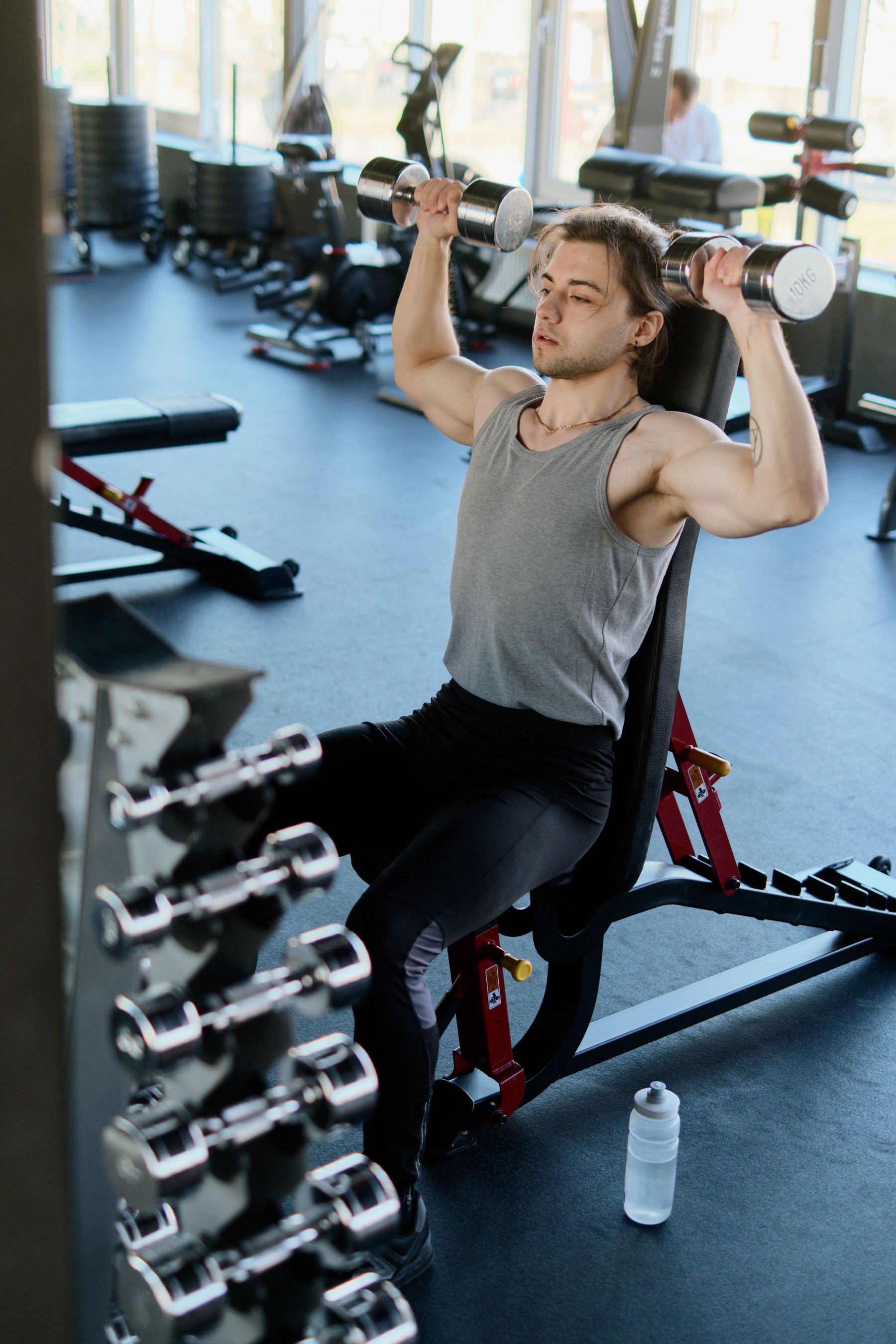
Clearer digital experiences support more people.
Accessibility is an ongoing part of how we think about our storefront. Our goal is to keep important product, training, support and shopping information understandable and usable across common devices and interaction methods.
Readable information
We aim to use clear typography, useful contrast and structured content that is easier to scan and understand.
Consistent navigation
We work to keep navigation, links and interactive elements predictable so shoppers can move through the site with less friction.
Flexible layouts
Our pages are designed to adapt across desktop, tablet and mobile screens without requiring one specific device.
Ongoing review
Accessibility can change as websites evolve, so we continue to review the experience and respond to reported barriers.
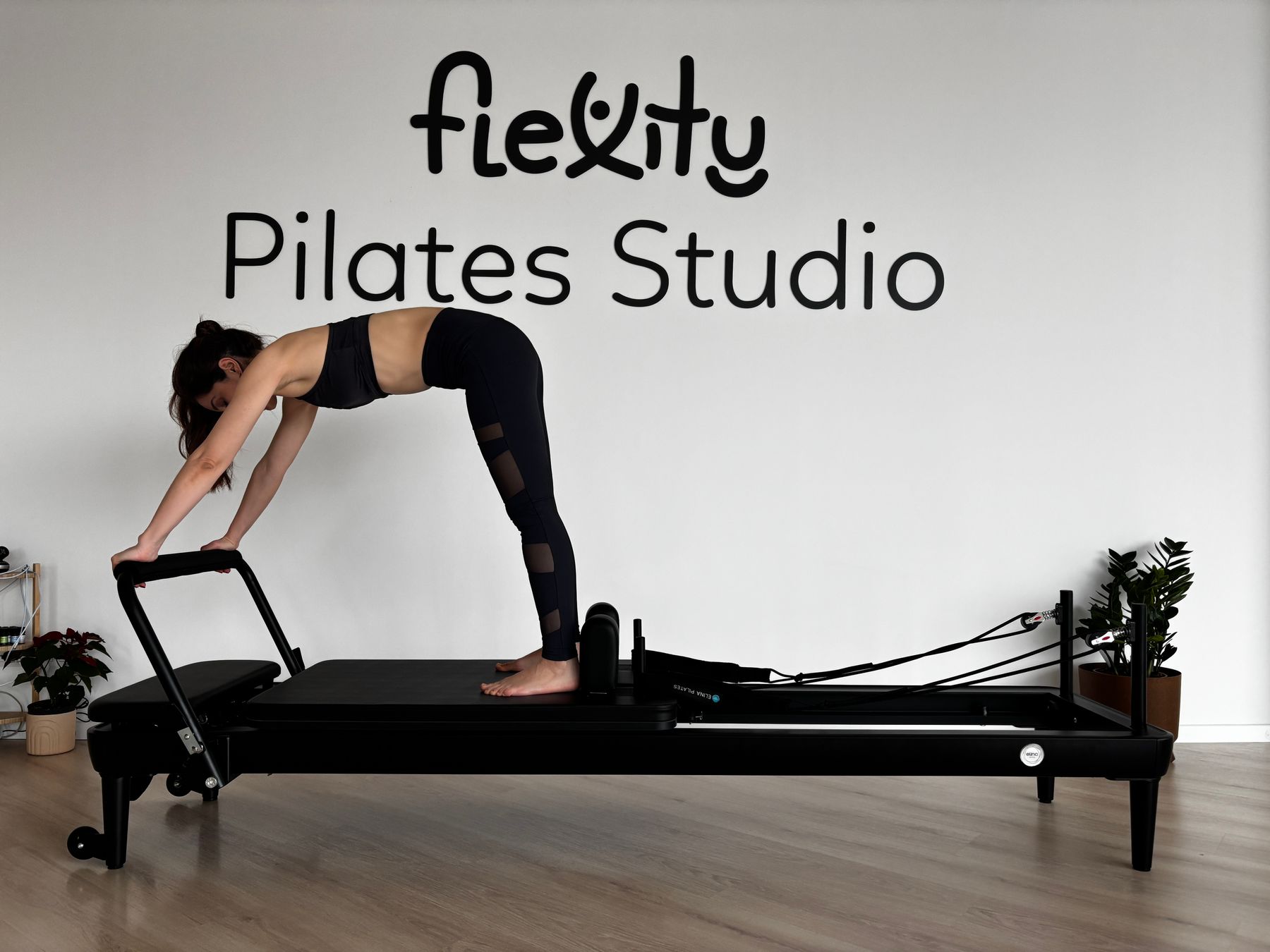
We aim to make essential information easier to reach.
From product discovery to customer support, our goal is to reduce unnecessary barriers and make the Corevia storefront easier to use across different browsing needs.
Keyboard-friendly interaction
We aim for important navigation and interactive controls to remain usable without relying only on a mouse or touch input.
Meaningful image descriptions
Product and editorial imagery should include useful text descriptions when the image communicates relevant information.
Clear labels and actions
Buttons, links, headings and form controls should communicate their purpose without depending on visual styling alone.
Responsive presentation
Content should remain readable and operable when viewed on smaller screens and common mobile devices.
Practical details matter.
Accessibility is influenced by many small design and content decisions. These are some of the areas we consider as the Corevia storefront evolves.
Structure & readability
Clear headings, concise paragraphs and logical information order can make product details, policies and training content easier to understand and navigate.
Predictable interaction
Navigation and controls should behave consistently so shoppers can understand what is interactive and where an action will lead.
Contrast & focus
Text, controls and focus states should remain visible against their backgrounds so important information is not communicated through subtle color differences alone.
Considered animation
Motion should support the experience rather than distract from it. Where practical, reduced-motion preferences should be respected.
Product information should stay clear and usable.
Fitness equipment can involve dimensions, resistance levels, components and setup details. We aim to present important information in a format that is readable, organized and easier to understand before purchase.
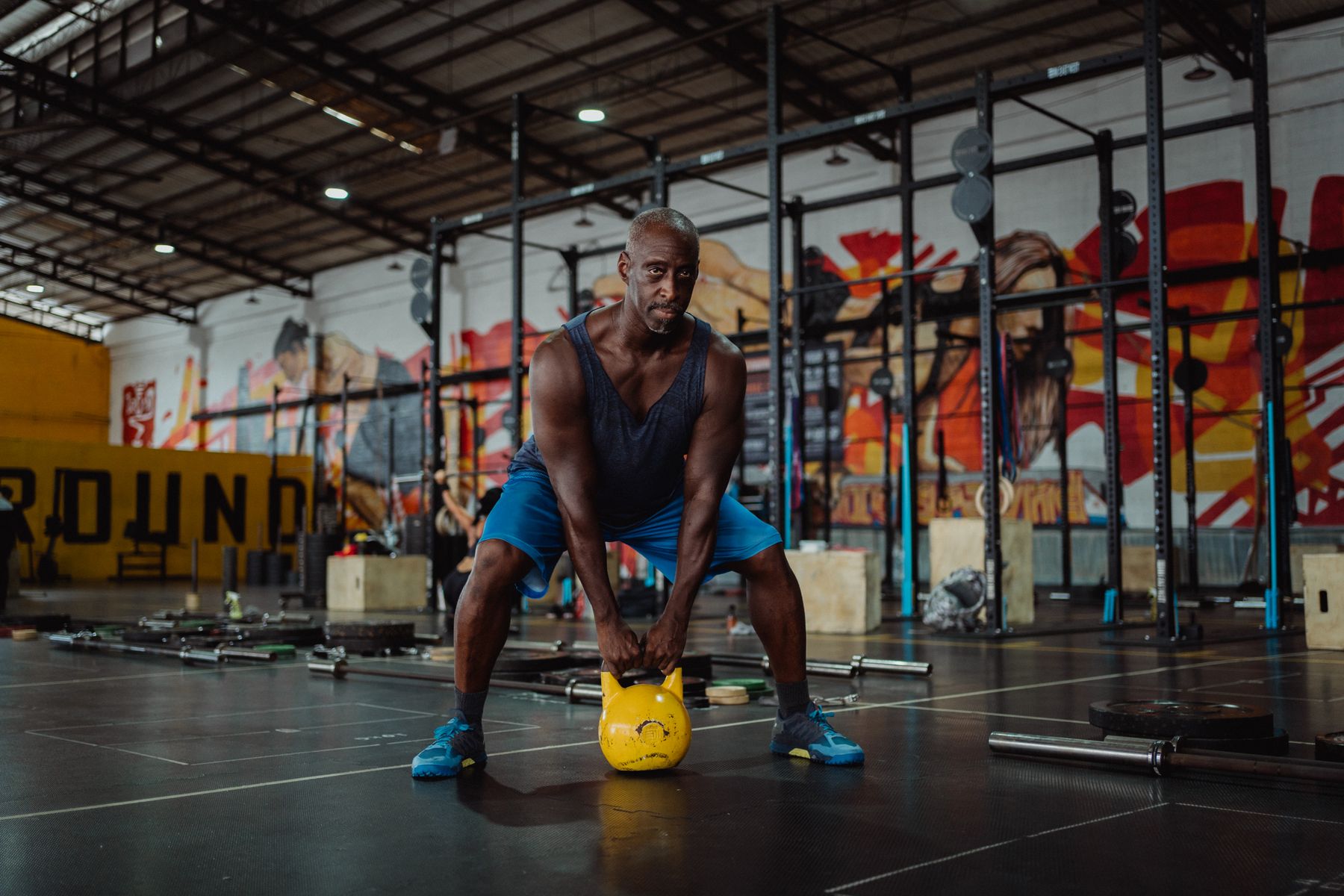
If you encounter a barrier.
Accessibility feedback helps us understand real problems that may not be obvious during routine site review. If you have difficulty using part of our website, tell us what happened and where.
Describe the issue
Tell us what page, content or feature was difficult to access and what you were trying to accomplish.
Share useful context
When relevant, include your device, browser or assistive technology so our team has more context when reviewing the issue.
Contact Corevia
Reach our team through the contact page, email or phone so we can review the reported barrier and provide available assistance.
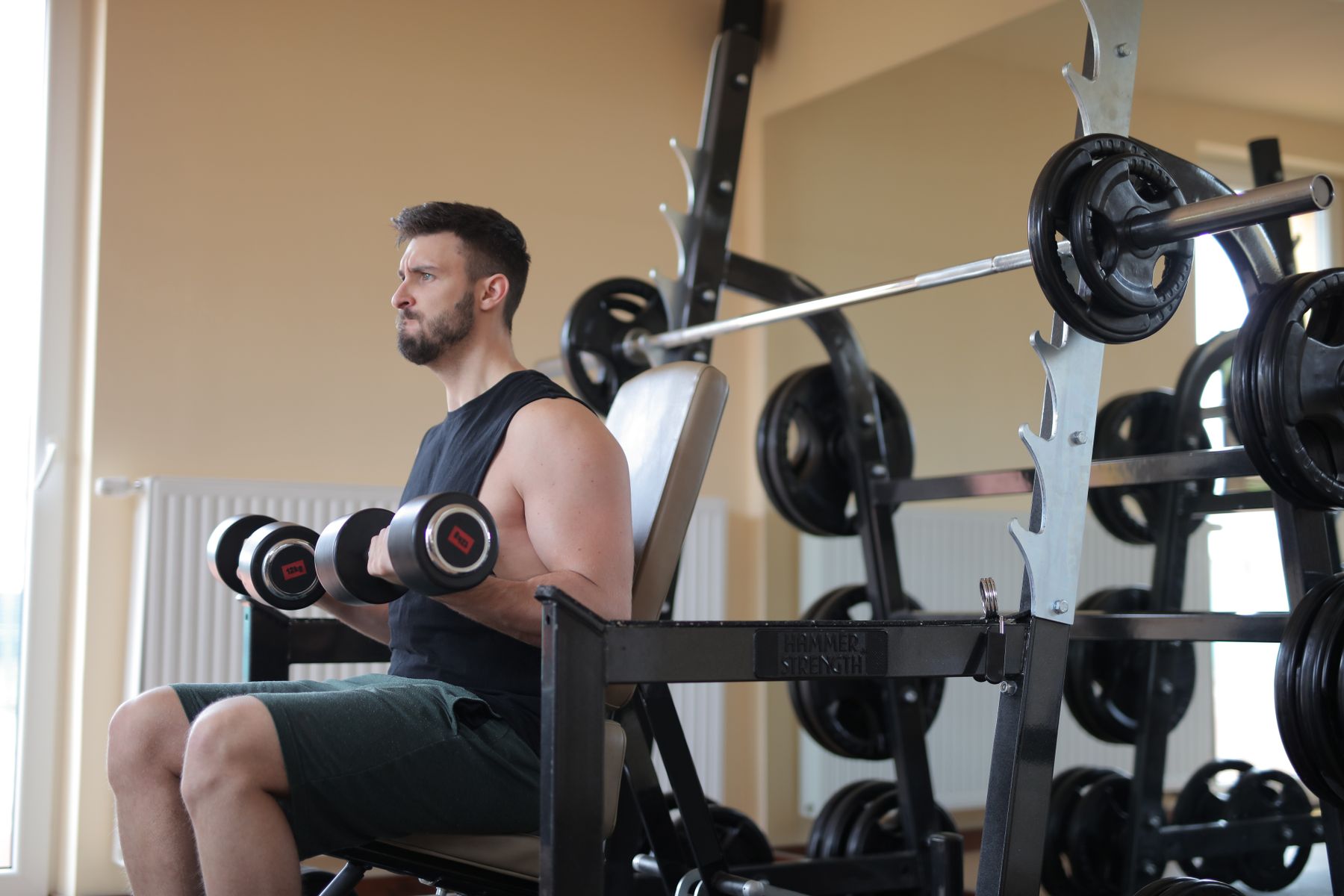
Better access supports a better training journey.
Whether you are comparing equipment, reading a training guide or contacting support, the digital experience should help you reach useful information without unnecessary friction.
What can you contact us about?
If a digital barrier makes it difficult to browse, understand or use the Corevia website, we want to know about it.
Tell us if menus, links, controls or page navigation are difficult to reach or operate.
Report text, labels or content that is difficult to read because of size, presentation or insufficient visual contrast.
Let us know when important information is only available visually or when an image description does not provide enough context.
Contact us if a form, input, selection or other shopping interaction creates an accessibility problem.
Accessibility at Corevia.
These answers explain how to report accessibility issues and what information can help us understand the problem.
How can I report an accessibility problem?
Contact Corevia through our contact page, email or phone. Please describe the page or feature involved and what you were trying to do when the problem occurred.
What information should I include?
Include the page or area involved, a description of the barrier and, when useful, information about the device, browser or assistive technology you were using.
Can I ask for help accessing product information?
Yes. If an accessibility barrier makes it difficult to reach or understand product information on our website, contact Corevia and explain what information you are trying to access.
Is accessibility work ever finished?
Websites, devices and accessibility needs continue to evolve. Corevia treats accessibility as an ongoing area of review rather than a one-time project.
Can I provide general accessibility feedback?
Yes. Feedback about navigation, readability, interaction or other accessibility barriers can help us identify areas that deserve further review.
Tell us when something is difficult to access.
Describe the page, feature or content involved and what you were trying to accomplish. Your feedback gives our team useful context when reviewing accessibility barriers.
Contact SupportCorevia continues to review the accessibility of its digital experience. If you encounter a barrier while using corevia.lat, please contact us with details so the issue can be reviewed.